

AI Agents: Boosting Business Automation & Productivity
What Is an AI Agent (And How to Use It in Your Business)
AI isn’t just about writing emails or blog posts anymore. The real shift for businesses and agencies is AI that doesn’t just think—it takes action. That’s where AI agents come in.
What Exactly Is an AI Agent?
An AI agent is software that can receive information, decide what to do, and then take action on your behalf—without you manually stepping in every time. Think of it as a digital team member trained for a specific job: responding to leads, booking appointments, chasing no-shows, or checking in with clients.
Unlike a simple chatbot that only answers basic questions, an AI agent can connect to your tools (CRM, calendar, email, SMS), follow rules you set, and complete tasks end-to-end. It doesn’t just reply—it moves the work forward.
How an AI Agent Works: Input, Decision, Action
1. Input: Listening for Signals
First, the agent needs something to react to. Inputs can be:
A new lead form submission from your website or ad funnel
A text or email from a prospect asking a question
A calendar event marked as “no-show” or “canceled”
The agent pulls in this information—plus any context from your CRM, past messages, or booking history—so it understands who it’s dealing with and what’s happening.
2. Decision: Choosing the Next Best Step
Next, the agent uses AI plus your business rules to decide what to do. For example:
Is this a brand-new lead that needs a fast welcome message?
Is this person ready to book, but just needs a time that works?
Did they miss a call and need a polite nudge to reschedule?
You define the guardrails—tone of voice, offers, booking rules—and the agent chooses the best response within those boundaries.
3. Action: Doing the Work for You
Finally, the agent takes action in real time. That might mean:
Sending a personalized SMS or email reply to a new lead
Sharing your live calendar link and confirming a booking
Updating the CRM stage and adding notes after a conversation
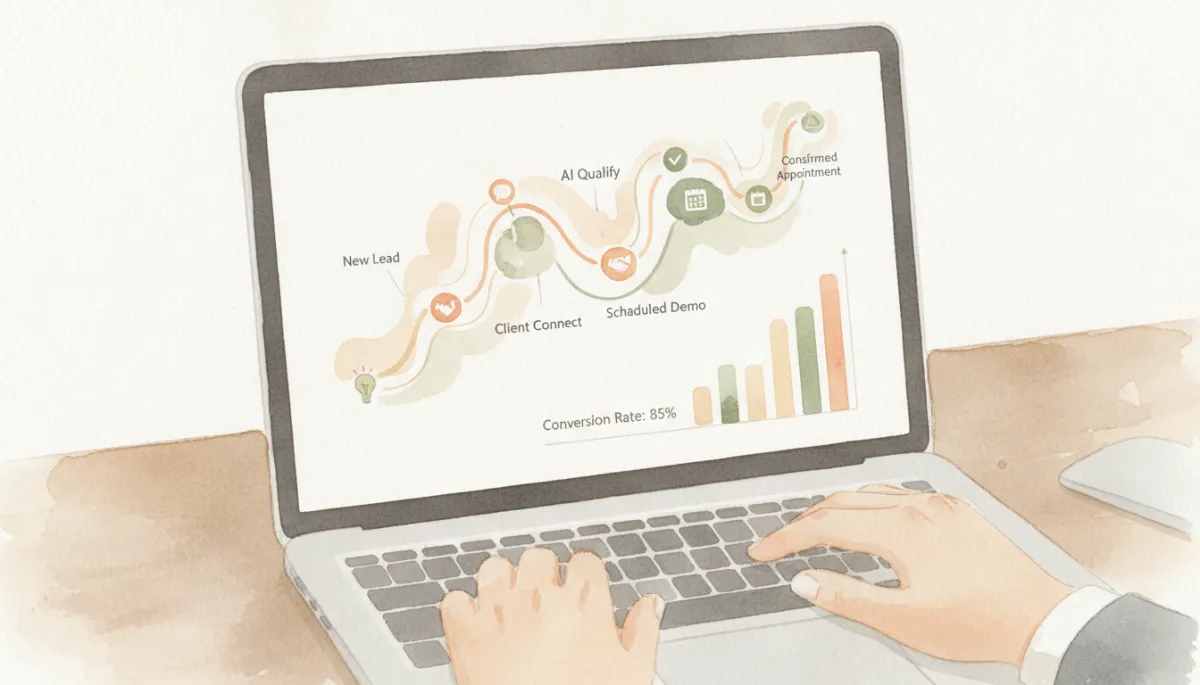
When AI handles the back-and-forth, more leads turn into confirmed calls.
Why AI Agents Matter for Repetitive Work
Most agencies and service businesses leak revenue in the same places: slow responses, missed follow-ups, and unbooked calls. These are exactly the tasks AI agents are built to take over—consistently, 24/7, without getting tired or distracted.
By offloading the repetitive work, your team can focus on closing deals, delivering results, and building relationships instead of babysitting the inbox or calendar.
Simple, High-Impact Use Cases to Start With
Lead response: Instantly greet new leads, answer basic questions, and move them toward a call—before a competitor does.
Appointment booking: Let the agent handle the “What time works for you?” back-and-forth and drop confirmed meetings onto your calendar.
Follow-ups: Automatically check in with leads who went quiet, with friendly nudges that keep the conversation alive.
No-show recovery: When someone misses a call, the agent reaches out, acknowledges it, and offers new times to rebook.
💡 Pro Tip: Start where the pain is biggest—usually slow lead response or forgotten follow-ups—and let your AI agent own that one workflow first.
Start Small: One Job, Then Test and Expand
You don’t need to automate everything on day one. Pick a single job—for example, responding to new leads within five minutes. Set up your agent, watch a few conversations, and refine the messages until you’re comfortable with how it sounds and performs.
Once that workflow is working, add the next one: follow-ups, then appointment booking, then no-show recovery. Each new task your agent handles removes another manual process from your day and adds another opportunity for revenue.
AI That Takes Action Grows Your Business
Content-generating AI is helpful, but it doesn’t move your pipeline by itself. The real leverage comes from AI agents that act: they respond, follow up, book, reschedule, and update your systems in the background while you and your team focus on higher-value work.
Start with one clear job, test it carefully, then let your AI agent take on more. Step by step, you’ll replace repetitive busywork with automated, revenue-producing workflows—and that’s how AI becomes a real growth engine for your business or agency.